 Maintora
Make recurring checks part of the working day.
Turn inspection routines into scheduled work with an equipment group, a checklist and a responsible team.
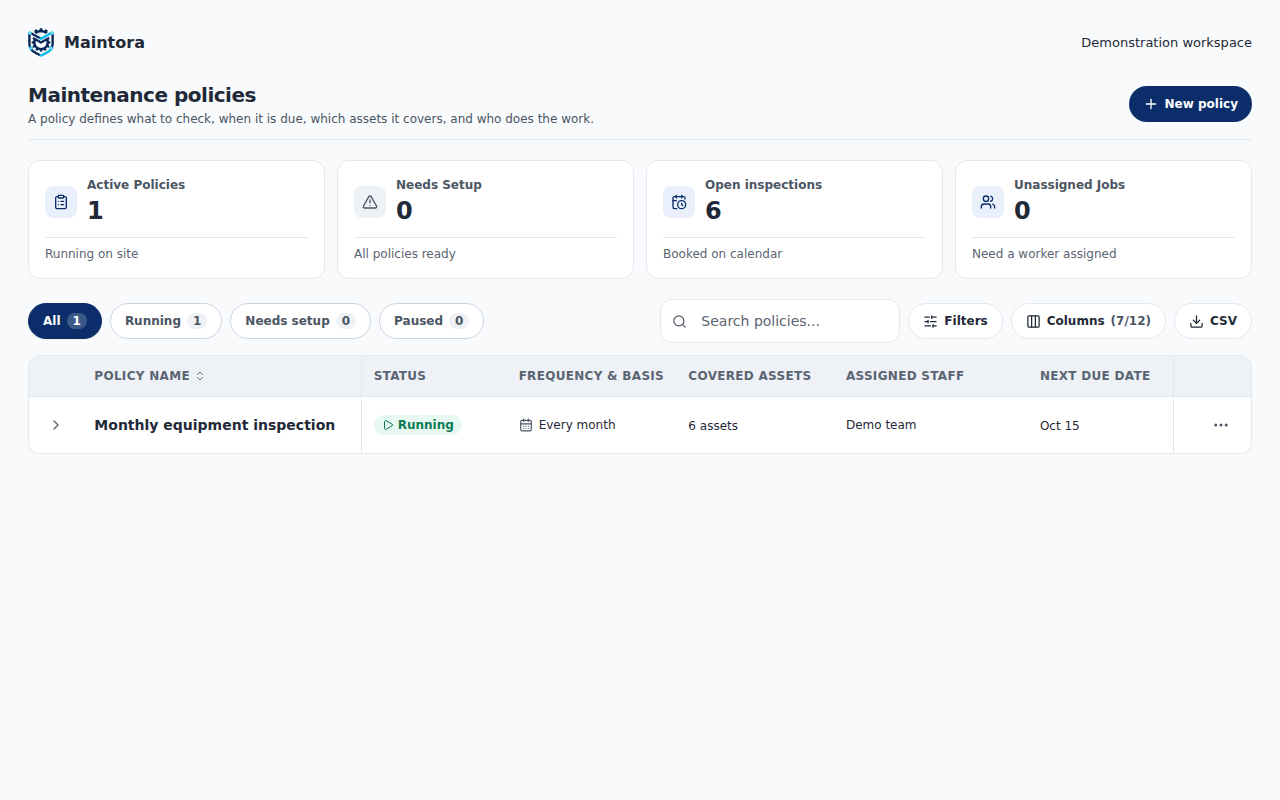
Start with the maintenance policy
Define the inspection frequency, start date, relevant asset group and checklist. Use the schedule that fits the equipment rather than maintaining a separate spreadsheet of reminders.
Route work to the people responsible
Assign policies to staff or vendors and review the resulting inspection queue. Keep planned checks connected to the asset and policy that created them.
See what is due and what was missed
Follow upcoming, overdue and completed work. A missed inspection remains a record to review rather than silently disappearing when the next period starts.
From setup to everyday work
- Group assets that follow the same maintenance routine.
- Create a policy with its checklist, schedule and assignees.
- Review the inspection queue and follow up on missed work.
Common questions
Can different assets follow different schedules?
Yes. Policies apply to asset groups, allowing teams to use different inspection routines for different equipment.
Can we record an unexpected fault?
Yes. Fault reporting and work orders complement scheduled inspections, so a problem does not have to wait for the next planned check.
See Maintora with your workflow in mind.
Talk through your asset list, inspection routines and team responsibilities.
Request a demo Contact the team